Mozilla adds ad blocking to Firefox for iOS
Experimental feature to block some, but not all, ads
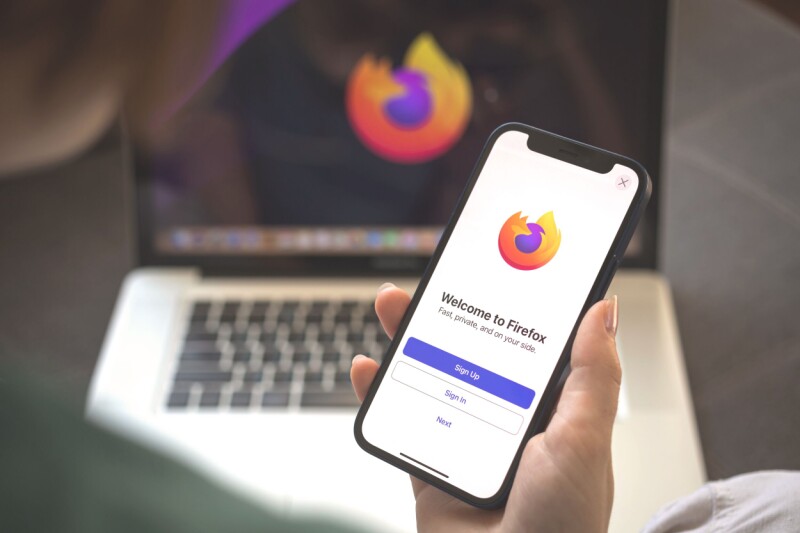
Mozilla has expanded Firefox for iOS with an optional ad blocking feature. This experimental addition is rolled out progressively, so not every user may have encountered it yet. By default, it is turned off. The ad blocker is based on the EasyList filter and works to block ads before they load. It targets third-party advertising networks, ad-related trackers, ads displayed on websites, along with pop-ups and overlays.
However, it does not cover ads in search results from engines like Google or Bing, nor does it block sponsored content on Firefox Home or the New Tab Page. The company acknowledged that some websites use ad serving methods not covered by the current filter list, which might result in reduced effectiveness of the ad blocker. While it is easy to enable or disable, Firefox is not the first to introduce ad blocking on iOS.
Competitors like Brave offer comprehensive privacy services and ad-blocking features. The omission of certain ads from Firefox's list could be seen as a potential conflict of interest, given that a significant portion of the company's revenue comes from Google. The company's FAQs state that they block many third-party ads, but there are still instances where ads may not be blocked due to the complexity of ad serving methods.
Ad blocking is a contentious issue, with recent developments such as AI-powered conversational AI ads making the landscape even more challenging.
Written by urgent.news from The Register Software's reporting — not their text. Machine-written — may contain errors; check the original before relying on it.
Also reported by 1 other outlet
- Mozilla adds ad blocking to Firefox for iOS theregister.com