Dell XPS 13 With Intel Wildcat Lake Now Available In Malaysia
Dell Malaysia has officially begun selling its XPS 13 powered by Intel Wildcat Lake processors in Malaysia. To that end, the laptop is already being listed on the brand’s official product page. There are options available, but it should be noted that they are limited, as is the number of customisations being offered. Specifically, Dell […] The post Dell XPS 13 With Intel Wildcat Lake Now…
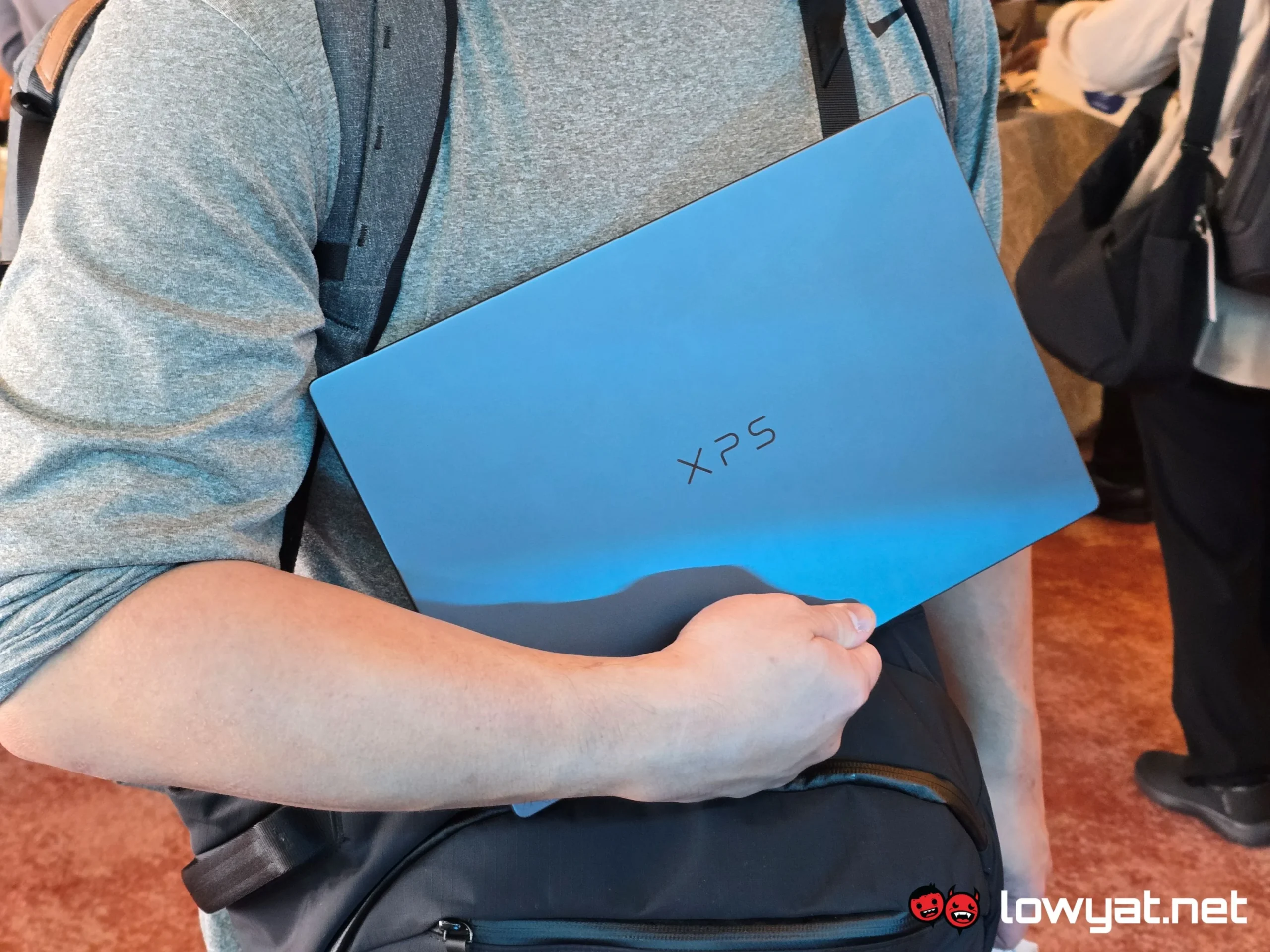
Dell has commenced the sale of its XPS 13 laptop in Malaysia, featuring processors from Intel's Wildcat Lake lineup. The laptop is listed on Dell's official product page, although the selection is limited. There are two distinct SKUs available for the XPS 13, both powered by the same Intel Core 5 320 processor. The main variation between the two models lies in their memory configurations - one comes with 8GB LPDDR5X-7467 RAM, while the other has 16GB.
Storage capacity remains consistent at 512GB PCIe 4.0 across both versions. Both models are equipped with a 13.4-inch QHD (2,560 x 1,440) InfinityEdge touch display, offering a variable refresh rate between 30Hz and 120Hz, which adds to the appeal of the lineup. A 3-cell 52Whr battery powers the laptop, and it is charged using a 65W USB-C GaN charger.
Connectivity features include two USB-C ports, one on each side of the laptop, with no extra USB-A ports or card reader due to its slim design. The laptop weighs in at 1kg, making it one of the lighter productivity laptops on the market. Pricing for the XPS 13 starts at RM3,819 for the 8GB configuration and goes up to RM4,499 for the 16GB version. The laptop is available in Graphite and Sky color options.
Written by urgent.news from Lowyat.NET's reporting — not their text. Machine-written — may contain errors; check the original before relying on it.