Someone Finally Fixed Installing Apps on a Mac
The installation utility EasyDMG makes it so you never drag and drop an icon again.
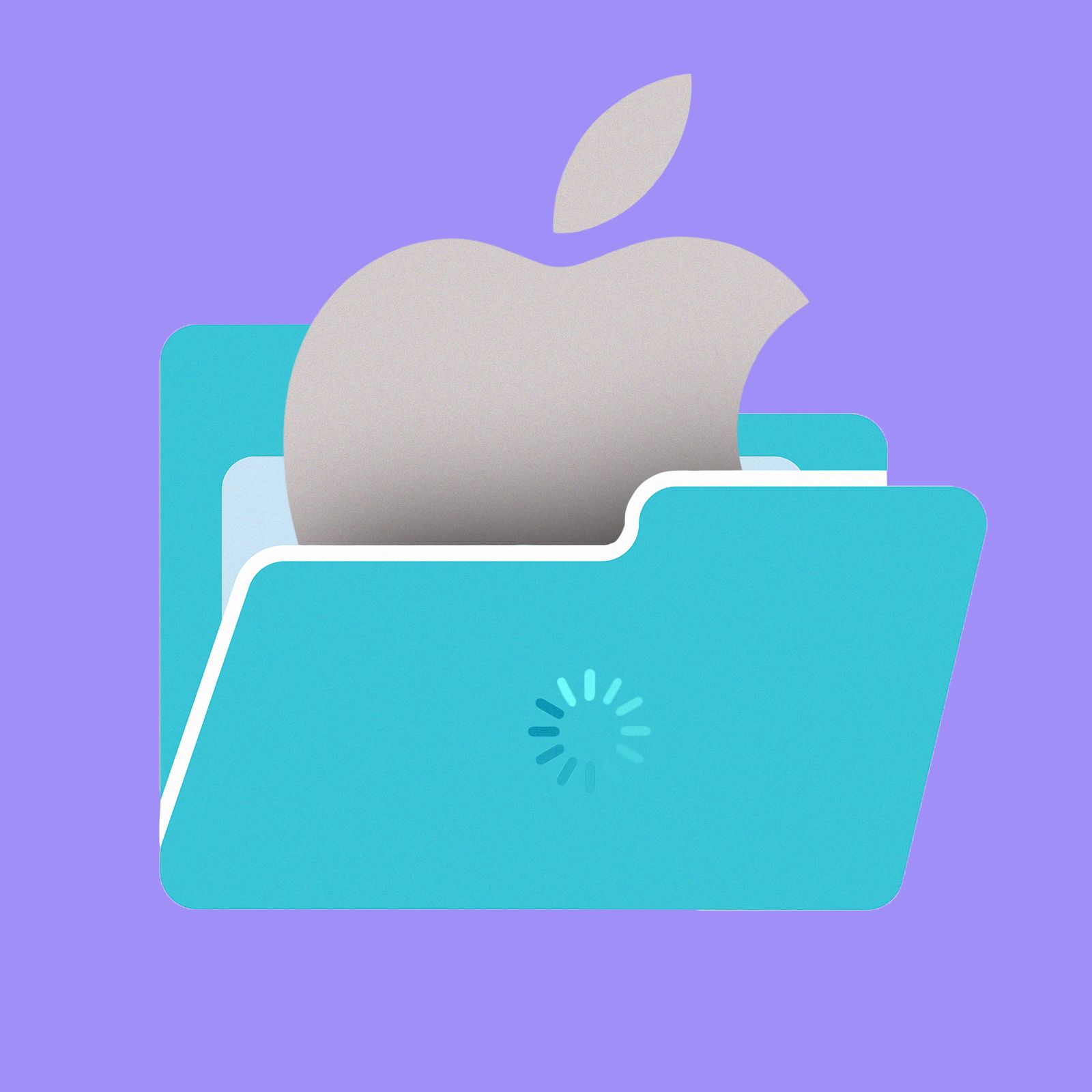
Installing applications on a Mac has long been a convoluted process. To install an app, you download a DMG file, open it to mount a virtual disk, drag the application from there to the Applications folder, unmount the virtual disk, and delete the DMG file. This process, introduced in 2001 for Mac OS X, has remained unchanged for a quarter-century, prompting developer Jeff Schumann to create a tool called EasyDMG.
EasyDMG is a completely free application with a hamster mascot and the slogan "Created out of spite." The tool simplifies the installation process by automating the steps you'd normally have to perform manually. To get started, download and install EasyDMG in the same way you were trying to avoid.
Once installed, set EasyDMG as the default application for opening DMG files to streamline the process even further. When you need to install software from a DMG file, EasyDMG will appear instead of the virtual disk. A progress bar in the window will show you the installation process, from mounting the virtual disk to verifying the application and performing the actual installation.
By default, EasyDMG deletes the DMG file for you and opens a Finder window revealing your new application in the Applications folder. After installation, the application closes itself politely. EasyDMG doesn't run in the background, launching only when a DMG file is opened and closing afterward.
The tool has no telemetry, making only a network request to check for updates. Configuration options are limited to a few tweaks. You can choose to stop EasyDMG from automatically deleting DMG files, decide whether the Finder opens after installing an application, set EasyDMG to launch the app right after installation, disable warnings about apps from unidentified developers, and disable the progress bar window for a simple notification upon completion.
This streamlined application requires minimal configuration once set up, allowing users to enjoy a more straightforward DMG file installation process without the need to remember the convoluted steps of the past.
Written by urgent.news from Wired's reporting — not their text. Machine-written — may contain errors; check the original before relying on it.