Mac users now have an easier way to install apps from DMG files
EasyDMG automates the entire Mac app installation process, mounting, verifying, and installing DMG files with a double click.
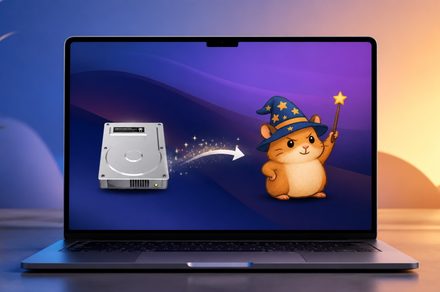
Installing applications on a Mac has traditionally been a somewhat cumbersome process. Users must download a DMG file, mount it, copy the application into the Applications folder, and then delete the leftover file. Jeff Schumann, a developer, was fed up with this process and decided to create EasyDMG, a free and open source utility that simplifies the installation process.
EasyDMG takes only about two seconds to set up as the default for DMG files, allowing macOS to handle all future DMG files without any intervention. This utility automates the mounting of the disk image, runs the same security checks as Apple's own installer, copies the app into the Applications folder, and then unmounts and deletes the DMG file.
A progress window shows each step in real-time, but users can choose to use a simple notification or turn off visual feedback. EasyDMG runs only for the duration of the installation process and then quits, so it doesn't linger in the dock or menu bar like other background apps. It sends no analytics or crash reports, only making a single network request to check for software updates.
The utility is signed and notarized by Apple, so macOS trusts it automatically without any security warnings. EasyDMG is available for free and is designed for macOS 13 and later versions. Although it is not the only tool addressing this issue, it represents a significant improvement in the Mac user experience. Other Mac utilities can also enhance productivity, and finding the right one can transform the entire macOS experience.
Written by urgent.news from Digital Trends's reporting — not their text. Machine-written — may contain errors; check the original before relying on it.