Real-Time Object Detection and Tracking with Kotlin and YOLO on Android
Real-Time Object Detection and Tracking with Kotlin and YOLO on Android Real-time computer vision is one of the most useful applications of machine learning on mobile devices. Android phones provide cameras, GPU acceleration, and enough processing power to run optimized detection models locally. In this tutorial, we will build the architecture for a Kotlin application that captures camera frames,…
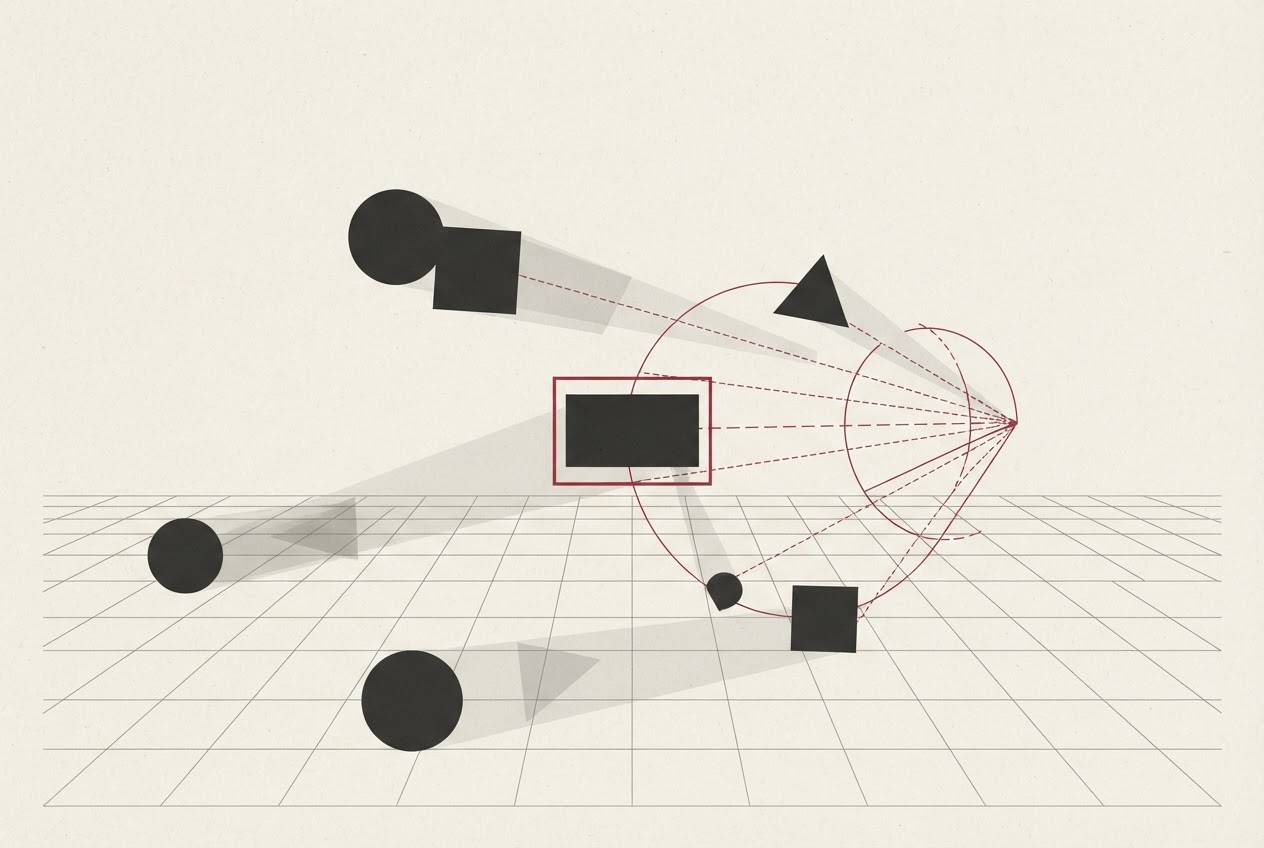
Real-time object detection and tracking using Kotlin and YOLO on Android presents a practical application of machine learning for mobile devices. Leveraging Android's camera capabilities, GPU acceleration, and sufficient processing power, developers can build a Kotlin application to capture camera frames, execute a YOLO-style object detector, and track detected objects across frames.
The recommended architecture maintains camera capture, inference, tracking, and rendering as separate components. To set up CameraX, add the necessary dependencies compatible with your project:
dependencies {
implementation( androidx.camera:camera-camera2: version )
implementation( androidx.camera:camera-lifecycle: version )
implementation( androidx.camera:camera-view: version )
}
Creating an ImageAnalysis use case is crucial for real-time applications. Set the backpressure strategy to KEEP_ONLY_LATEST to ensure only the latest frame is processed, preventing the accumulation of old frames in a growing queue and increasing latency. Implement an ObjectAnalyzer that receives camera frames and calls YoloDetector to detect objects within those frames, properly closing the ImageProxy when processing is complete.
The YOLO Detector class converts camera input into the tensor format expected by the model by preprocessing the image, running the model, and postprocessing the output. Detection results typically include bounding boxes, class IDs, confidence scores, and optional metadata. Data class Detection represents each detection with associated attributes.
Preprocessing is vital since most object detection models require a fixed input size. For example, rotate the camera frame, crop or resize it, normalize the data, and convert it to a tensor format. Be cautious with aspect ratio when scaling objects, as incorrect scaling can distort objects and negatively impact detection accuracy.
Postprocessing involves filtering out low-confidence detections using a confidence threshold and applying non-maximum suppression (NMS) to eliminate overlapping boxes representing the same object. The chosen threshold should be tuned based on the specific target model and dataset.
Tracking objects across frames is essential for maintaining an object's identity throughout multiple frames. A simple tracked object data class can store an ID, bounding box, class ID, and confidence score. A basic tracker associates current detections with existing objects using Intersection over Union (IoU). Implement a function to calculate IoU, which compares two RectF objects to determine their intersection over union, helping to associate detections with existing tracked objects.
Finally, use a custom Android view to draw bounding boxes over the camera preview, allowing developers to visually represent object detection results in real-time.
Written by urgent.news from Dev.to's reporting — not their text. Machine-written — may contain errors; check the original before relying on it.