iOS Data Storage: Classify Your Data Before You Choose a Database
Learn how to design iOS storage by data type, using UserDefaults, Keychain, databases, Application Support, Caches, and sync metadata where each fits best.
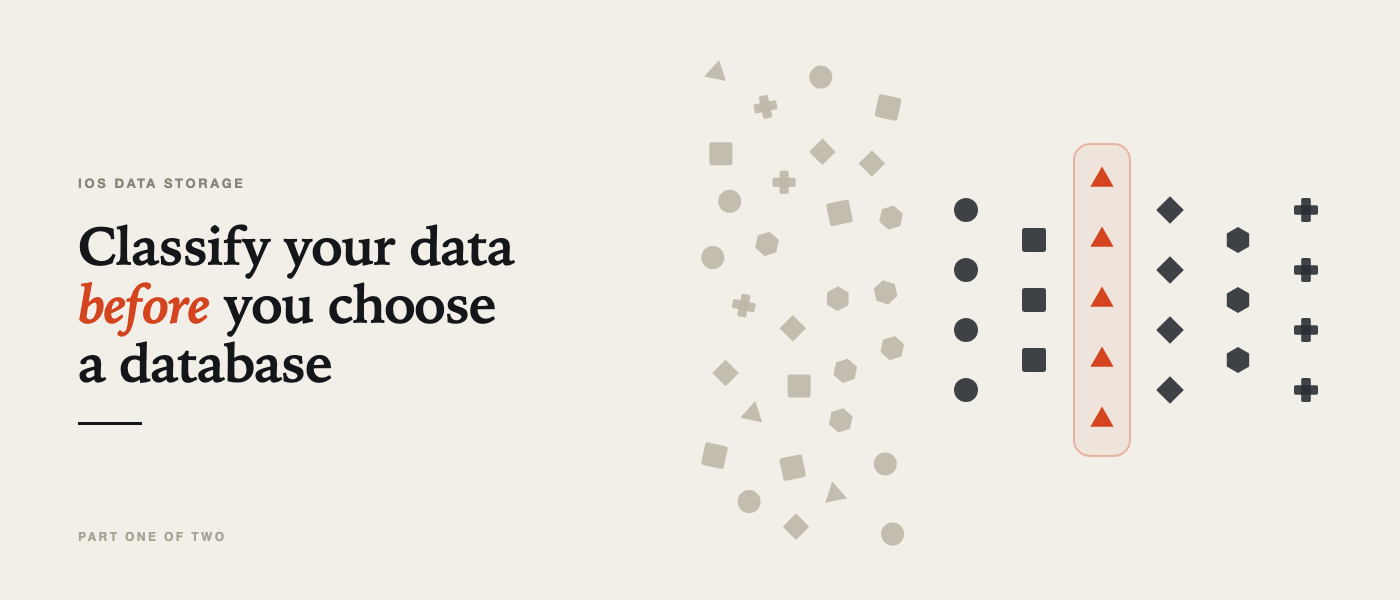
When developing an iOS application that requires local data storage, developers often grapple with questions like the suitability of SwiftData or Core Data. However, these questions are not the optimal starting point. Before selecting a framework, it is crucial to comprehend several factors: the types of data the app will store, the duration of persistence needed, the sensitivity of the data, the possibility of re-downloading it, whether it must function offline, and the necessity for synchronization across devices.
A single type of data is rarely present in real applications. UI preferences, authentication tokens, domain models, user-generated files, and temporary network responses each have distinct lifecycles. Storing everything in one database, merely because it is technically feasible, incurs costs that do not manifest until the product necessitates synchronization but the schema does not support it.
Similarly, a 6 MB photo stored in a table queried by every screen, or a token surviving a device restore onto another user's hardware, can pose challenges.
An example app, TripBoard, illustrates these considerations. TripBoard enables users to create trips, add cities, store booking information, attach tickets and photos, and use the app without an internet connection. Initially, it may seem like a straightforward trip database. Upon further examination, multiple distinct data categories emerge. These categories include:
1. Main requirements: small values for fast access
2. Secrets: access and refresh tokens requiring secure storage
3. Domain entities: trips, places, bookings, queries, and relationships
4. User files: PDF tickets and photos
5. Temporary cache: thumbnails and API responses
6. Sync metadata: remote version and upload state for reliability
These categories delineate different data requirements, each necessitating specific considerations. For instance, UI preferences and currency data are suitable for UserDefaults, a storage mechanism optimized for small, non-sensitive values with fast access. However, secrets like authentication tokens should reside in the Keychain, a secure storage system separate from UserDefaults. Keychain provides an abstraction (CredentialsStore protocol) for handling tokens, abstracting away low-level Security framework functions.
The critical takeaway is that effective data storage involves categorizing data appropriately. Utilizing UserDefaults for UI preferences and sensitive data in Keychain ensures that data is stored and managed in a manner that aligns with its requirements. This categorization prevents issues such as syncing incompatible data, storing large files in tables queried by every screen, or placing tokens in locations vulnerable to compromise.
By considering the lifecycle and sensitivity of each data category, developers can design a storage system that meets the app's needs without incurring unnecessary costs or risks.
Written by urgent.news from HackerNoon's reporting — not their text. Machine-written — may contain errors; check the original before relying on it.