Adobe just supercharged ChatGPT’s creative powers — these 10 prompts show what the new plugin can do
Thanks to the new all-in-one Adobe plugin for ChatGPT, producing and revising visual content just got even better—these 10 prompts showcase its abilities.

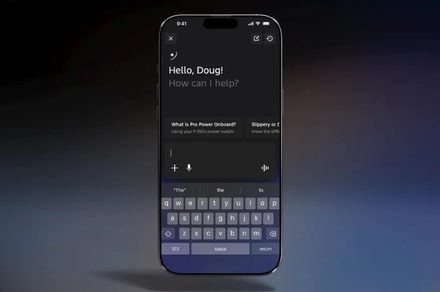
Adobe has recently enhanced ChatGPT's creative capabilities with an all-in-one Adobe plugin. Accessible via the desktop or mobile version of the chatbot, you can find the plugin by clicking "Plugins" under the sidebar or searching for "Adobe" in the "Search plugins" bar. To use it, log in with your Adobe Creative Cloud subscription—guest access is available but lacks full creative abilities.
The plugin provides access to over 70 tools from Adobe's creative outlets, such as Photoshop, Firefly, Premiere, Acrobat, Lightroom, Illustrator, InDesign, Adobe Express, and Adobe Stock. Users only need to type "@Adobe" in the prompt field to interact with the plugin. Here are 10 prompts to harness this feature-rich plugin:
1. Convert rough concepts into polished social graphics.
2. Remove distractions and improve lighting in photos.
3. Convert notes into a professional 10-slide presentation.
4. Build a mood board for a luxury home office inspired by Scandinavian design.
5. Redesign a logo in three variations: minimalist, premium, and playful.
6. Create a cinematic trailer using provided footage.
7. Repurpose long videos into engaging Shorts for Instagram.
8. Extract exciting moments from video to create a one-minute highlight reel optimized for Instagram Reels.
9. Transform raw data into a PDF table.
10. Create a 30-second TikTok video with dynamic cuts, captions, zoom effects, royalty-free background music, and engaging transitions.
Written by urgent.news from Tom's Guide's reporting — not their text. Machine-written — may contain errors; check the original before relying on it.