iOS 27's New Compact Clock Gives Your Wallpaper Room to Breathe
In iOS 26, Apple let you stretch the Lock Screen clock down your iPhone's display until it dwarfed everything else. In iOS 27, Apple has a new clock option that does the opposite, with the introduction of a compact mode that shrinks the time to roughly the size of the date and tucks it into the row at the top of the screen. The result is a Lock Screen that genuinely shows off your wallpaper,…
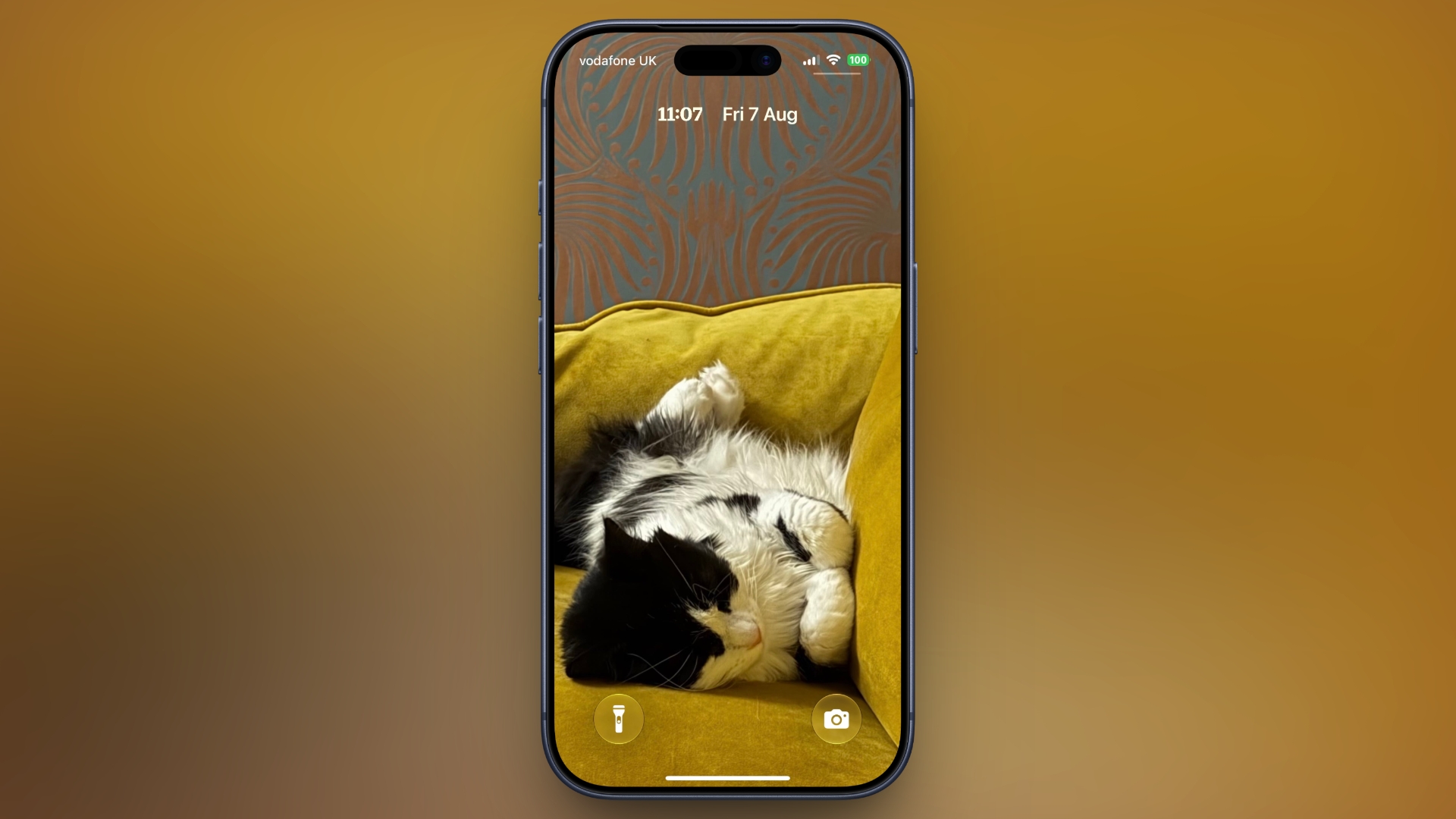
In the latest iOS 27 update, Apple has introduced a new clock option known as compact mode, which shrinks the time and date to roughly the size of the date itself and positions it at the top of the Lock Screen. This allows your wallpaper to take center stage without any obstructions. To switch to the compact clock, users can touch and hold the Lock Screen, then tap Customize.
Inside the Font & Color panel, they can tap the icon made of two horizontal bars in the top-right corner to enable compact mode. Once satisfied with the new appearance, users can confirm their choice by tapping anywhere on the wallpaper and then tapping Done. The compact clock will immediately shrink and move up beside the date, allowing users to assess the effect against their chosen wallpaper before saving.
To revert to the previous clock size, users can simply tap the same icon in the Font & Color panel. The compact clock retains all customizations such as font, weight, and color, but users will no longer have access to the Liquid Glass slider in this mode. Importantly, the compact clock option is not a global setting but can be applied individually to each Lock Screen, allowing for customized appearances depending on the wallpaper used. iOS 27 is currently in public beta with a general availability expected in September.
Written by urgent.news from MacRumors's reporting — not their text. Machine-written — may contain errors; check the original before relying on it.