Google Messages makes one-handed use much easier with new rollout
The new, redesigned floating context menu and selective text copying make messaging on large phones less frustrating.
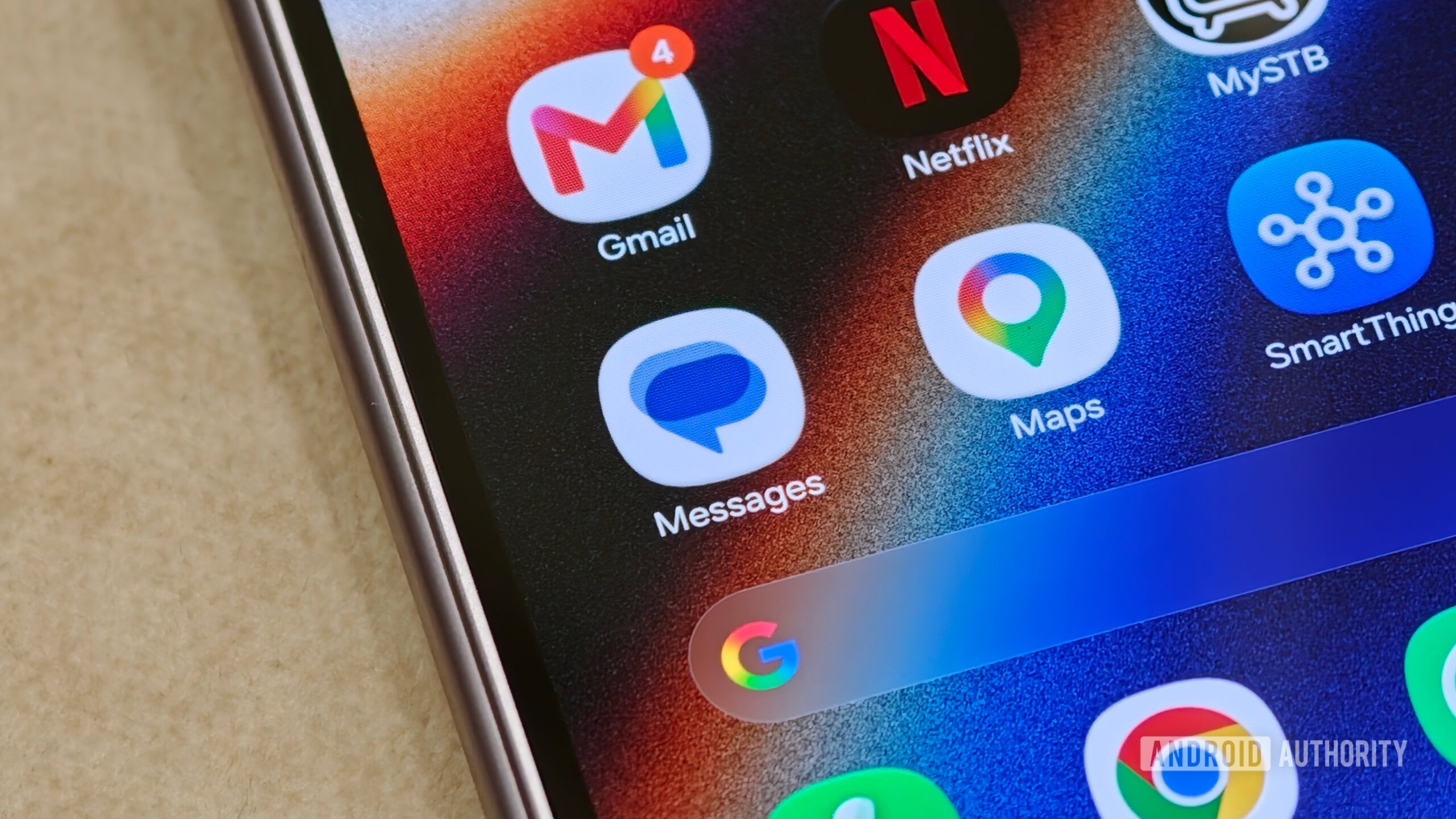
Google Messages is enhancing its user experience with a new rollout focused on improving one-handed functionality. The update introduces a redesigned floating context menu and selective text copying, designed to make interactions with messages more convenient.
The redesigned floating menu places key actions such as Reply, Copy, Edit, Star, and Delete in a clean vertical list, right beside the text bubble. This positioning makes it easier for users to access and use these functions with a single hand, particularly beneficial on larger devices.
Additionally, the selective text copying feature allows users to highlight specific details within a message, using draggable handles. This enables more precise copying, enhancing overall usability. Google Messages appears to be expanding this major usability refresh to a broader audience, bringing these improvements to a wider range of users.
Written by urgent.news from Android Authority's reporting — not their text. Machine-written — may contain errors; check the original before relying on it.