A Three-Layer Setup for Multiple GitHub Accounts on One Machine
Run multiple GitHub accounts on one Mac using folder-based Git identities, HTTPS credentials and the GitHub CLI—without SSH keys or manual switching.
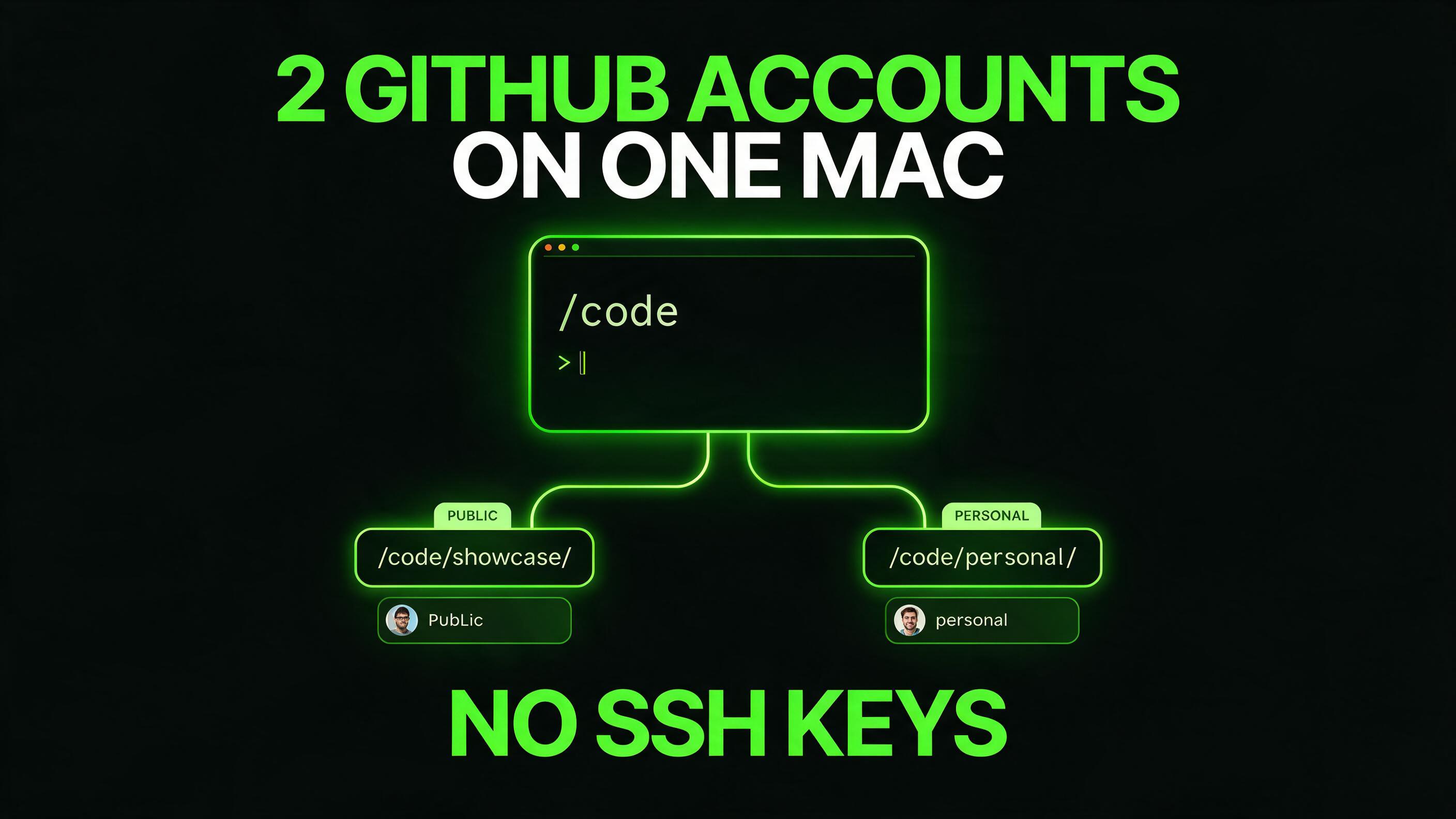
The article provides three-layer setup for managing multiple GitHub accounts on one machine. A detailed breakdown of the steps is as follows:
Layer 1: Commit Identity
1. Create separate directories for each GitHub account under the "~/Code" directory. Use unique names for each directory (e.g., "~/Code/showcase/" and "~/Code/personal/").
2. Create individual identity files for each GitHub account in "~/Code/tools/git-identities/". These files should include the user's name and email specifically for each account.
3. Point to the appropriate identity file in the global git config by adding conditional include statements in the "~/.gitconfig" file. Make sure to include the trailing slash in the paths to ensure proper matching.
4. Verify the setup by running "git config user.email" inside a repository located in either the "~/Code/public/" or "~/Code/personal/" directories. It should return the corresponding user email for the respective account.
Layer 2: Push Authentication
1. When cloning a new repository, use the remote URL with the embedded username to associate it with the appropriate GitHub account. For example, "git clone https://your-public-username@github.com/your-public-username/repo-name.git".
2. For existing repositories, update the remote URL to include the username associated with the intended GitHub account. Run "git remote set-url origin https://your-public-username@github.com/your-public-username/repo-name.git".
3. Register the GitHub CLI (gh) as the credential helper by running "gh auth setup-git". This command sets up the necessary configuration to authenticate pushes using the appropriate account based on the remote URL.
Layer 3: Handling Headless Shells
The article briefly mentions a third layer focused on handling headless shells, such as those used by CI systems or AI agents. This layer is optional and can be skipped if not needed. It involves setting up the GitHub CLI to work with keyring-backed authentication in headless environments, which can be done later if required.
By following these three layers of configuration, users can effectively manage multiple GitHub accounts on a single machine without the need to manually switch accounts or remember different settings for each account. This setup ensures that the correct GitHub account is used based on the directory structure of the repository, simplifying the process of committing and pushing code with the appropriate GitHub identity.
Written by urgent.news from HackerNoon's reporting — not their text. Machine-written — may contain errors; check the original before relying on it.