Don't forget to turn off this setting after buying a new TV
This built-in setting might still be affecting your new TV's quality.
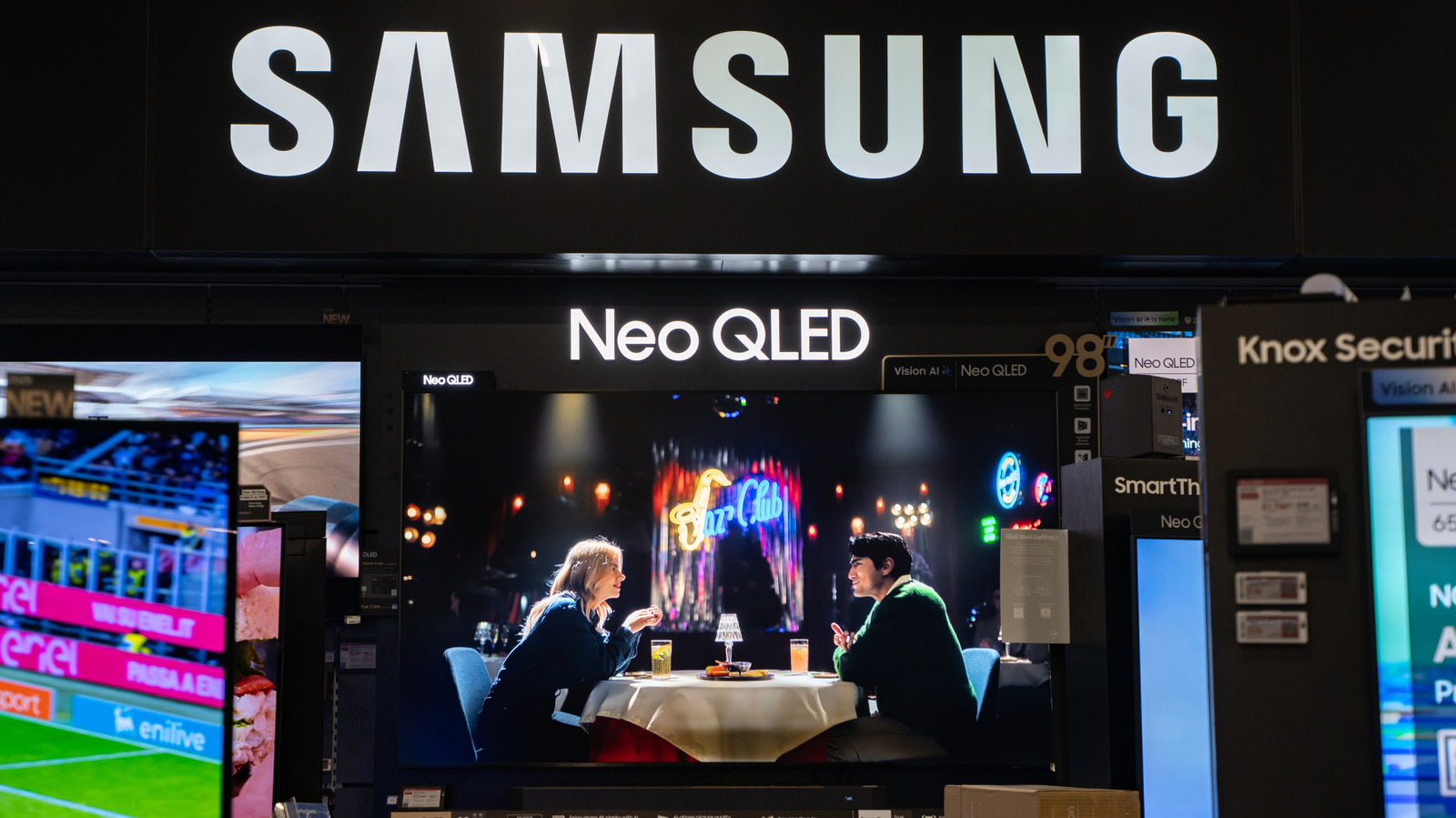
Many new television owners are surprised by the poor picture quality when they first try to use their new sets. The issue often stems from a feature called store or demo mode. This setting is designed to optimize picture quality for retail environments, accounting for bright store lighting. New TVs often come with this mode enabled, even if the buyer never steps foot in a physical store.
The purpose is to ensure prospective customers get an accurate representation of the display's potential. The store mode typically increases brightness and adjusts contrast to compensate for the higher ambient light levels found in stores. While this setup works well under store conditions, it results in excessively bright, highly contrasted images that look terrible in typical living room environments.
The setting also has the unfortunate side effect of wiping any manual adjustments you make within a few minutes. If you start tweaking brightness or contrast settings while the TV is in store mode, any changes you make will be erased the next time the TV cycles back to that mode for the next customer. To fix the issue, locate the store or demo mode setting in your TV's menu and switch it off to "Home Mode" or "Normal Mode".
This should significantly improve the picture quality and give you a viewing experience closer to what you expect from your new purchase.
Written by urgent.news from Engadget's reporting — not their text. Machine-written — may contain errors; check the original before relying on it.