exFAT vs NTFS: What's the difference between these formats?
exFAT is best for cross-platform usage.
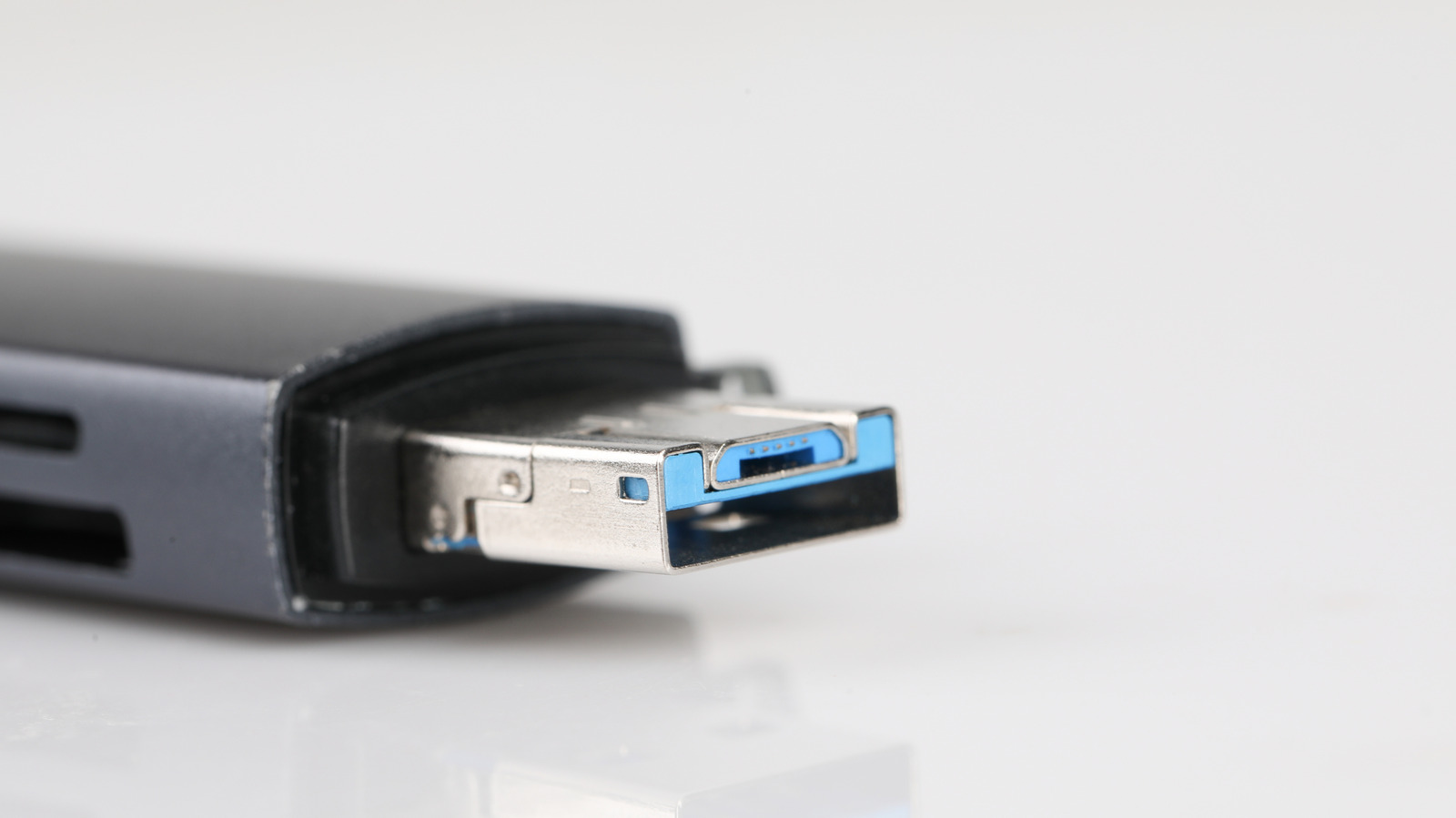
Selecting the right file format for a USB drive can be a perplexing decision, particularly when faced with options like exFAT and NTFS. Both are Microsoft-developed, but they serve different purposes, leading to various advantages and disadvantages.
exFAT is an optimal choice for external drives that require compatibility across Windows and Mac systems. It's designed to handle large files, making it an excellent option for sharing files between Windows and Mac computers. Its lightweight nature and cross-platform support make it suitable for flash-based storage devices such as USB drives, SD cards, and portable SSDs.
However, exFAT lacks certain advanced features found in NTFS, including journaling and encryption, which makes it susceptible to data corruption during unexpected interruptions and limits its security for sensitive data.
On the other hand, NTFS is a robust file system tailored for Windows-only drives. As the default file system for most Windows PCs, it offers features like file permissions, encryption, and journaling, which enhance data protection during unexpected interruptions. NTFS is the ideal format when security is paramount, or when using a Windows-only setup. However, it's not fully compatible with macOS, meaning Macs can only read NTFS drives but not write to them without additional software.
In summary, if you're in need of a general-purpose drive that functions seamlessly across Windows and Mac platforms, exFAT is the better option. It surpasses FAT32 in file size limitations and ensures compatibility across both operating systems. Meanwhile, NTFS is a more dependable choice for drives intended for Windows-only use, particularly those containing sensitive data or backups.
Written by urgent.news from Engadget's reporting — not their text. Machine-written — may contain errors; check the original before relying on it.