I use this one setting every time I travel, and it saves me a fortune on mobile data
This Android setting helps me avoid expensive roaming charges.
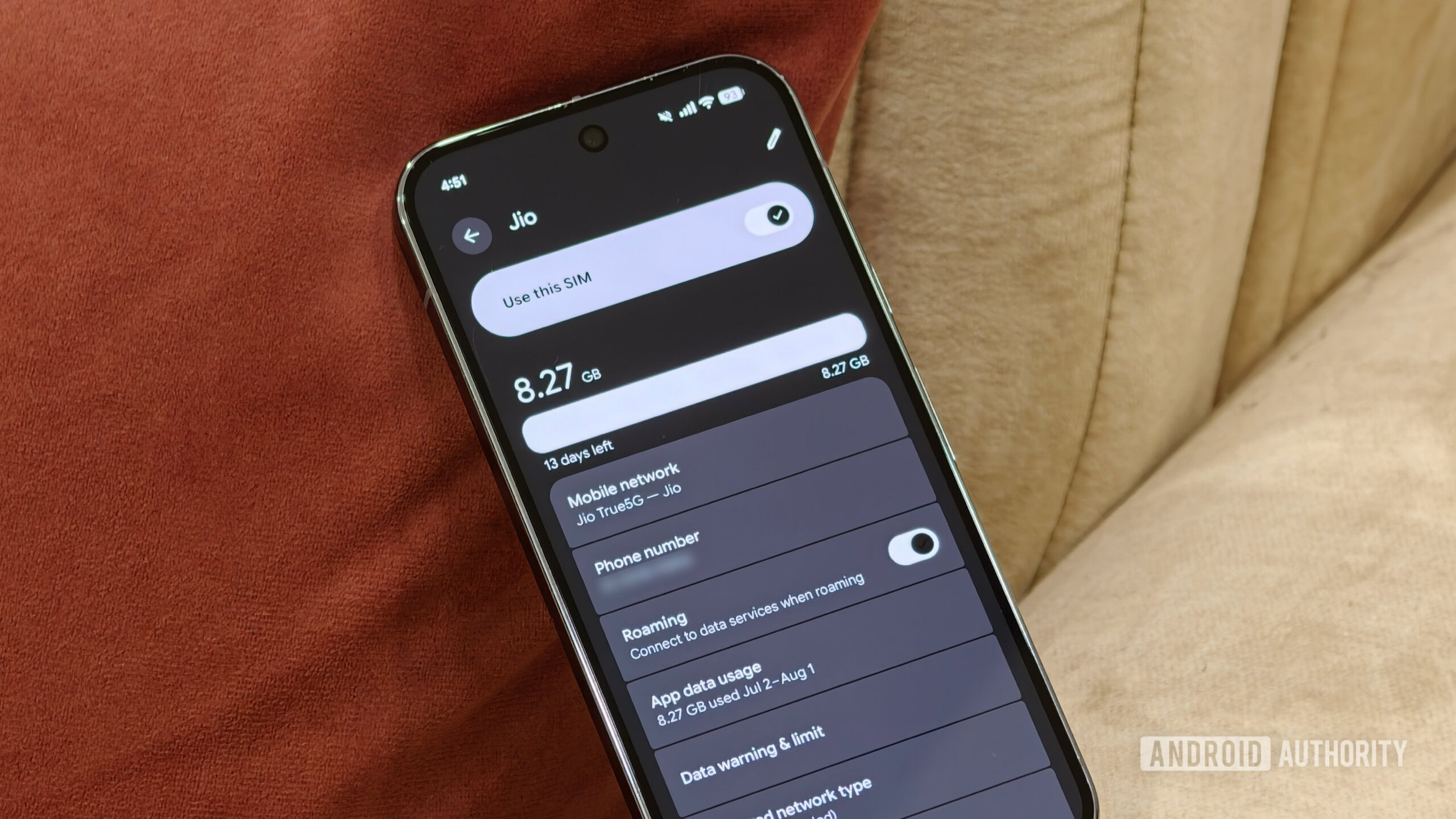
Traveling frequently often reveals just how costly mobile data can become outside one's home country. While many carriers offer international roaming or cheap eSIMs with data limits, quickly exceeding those limits is easy. Android provides two built-in settings to prevent this issue. The first sends a warning before reaching the data allowance, while the second automatically disables mobile data once the limit is met.
Both features can save travelers from expensive roaming bills. To set these up, users can navigate to Settings > Network & internet > SIMs > Data warning & limit. The data warning can be set slightly below the plan's allowance, notifying the user before hitting that threshold. The data limit option, set around 250MB to 500MB below the allowance, turns off mobile data once reached.
These settings help travelers avoid unexpected charges. Travelers often overlook apps quietly using data in the background, so disabling background data for unnecessary apps is another useful tip. Downloading offline maps before traveling ensures navigation even without data, while disabling Google Photos backup over mobile data saves additional usage.
Written by urgent.news from Android Authority's reporting — not their text. Machine-written — may contain errors; check the original before relying on it.